Your health records, safe on your phone.
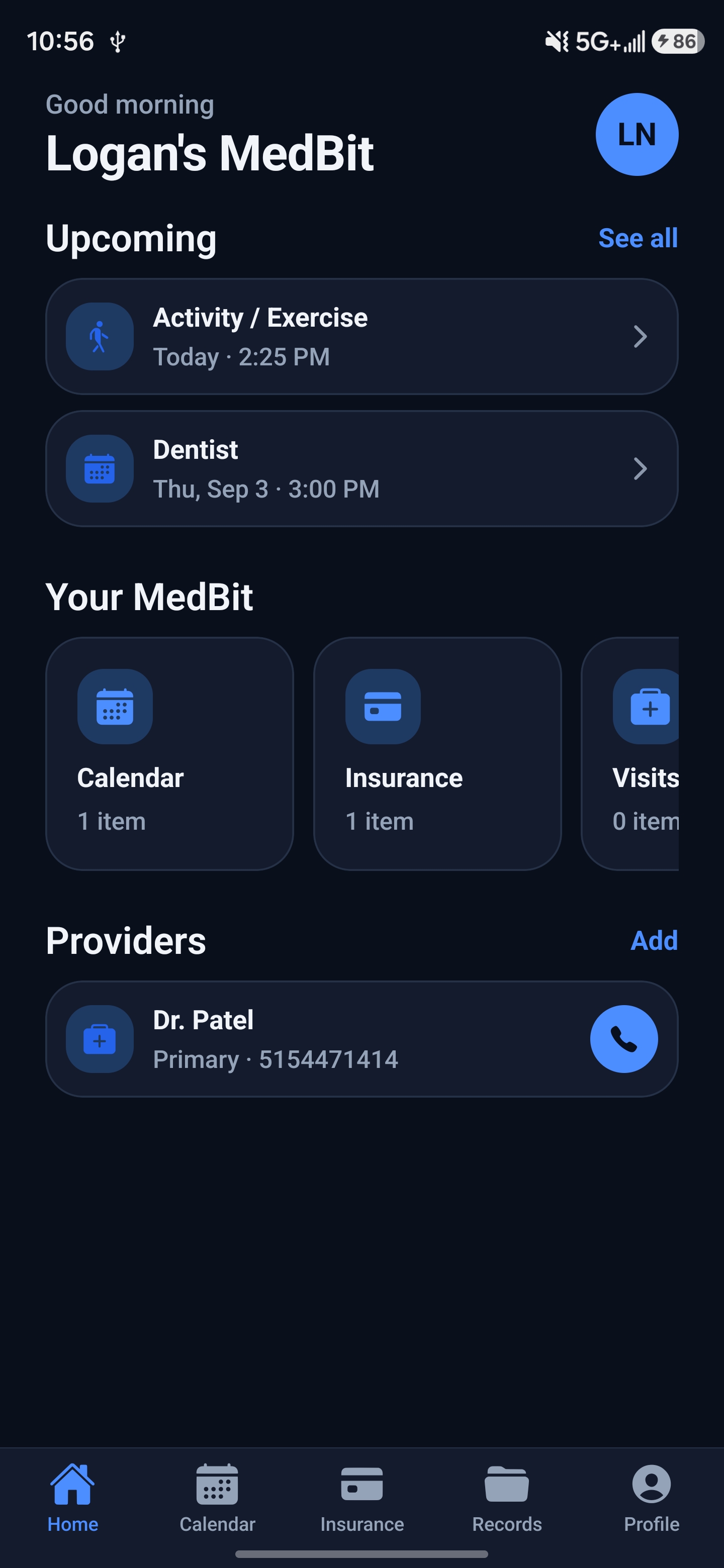
Medications, allergies, insurance and doctors, all in one private place.
Step 2 of 5
Free for everyone
No plan needed. Free forever.
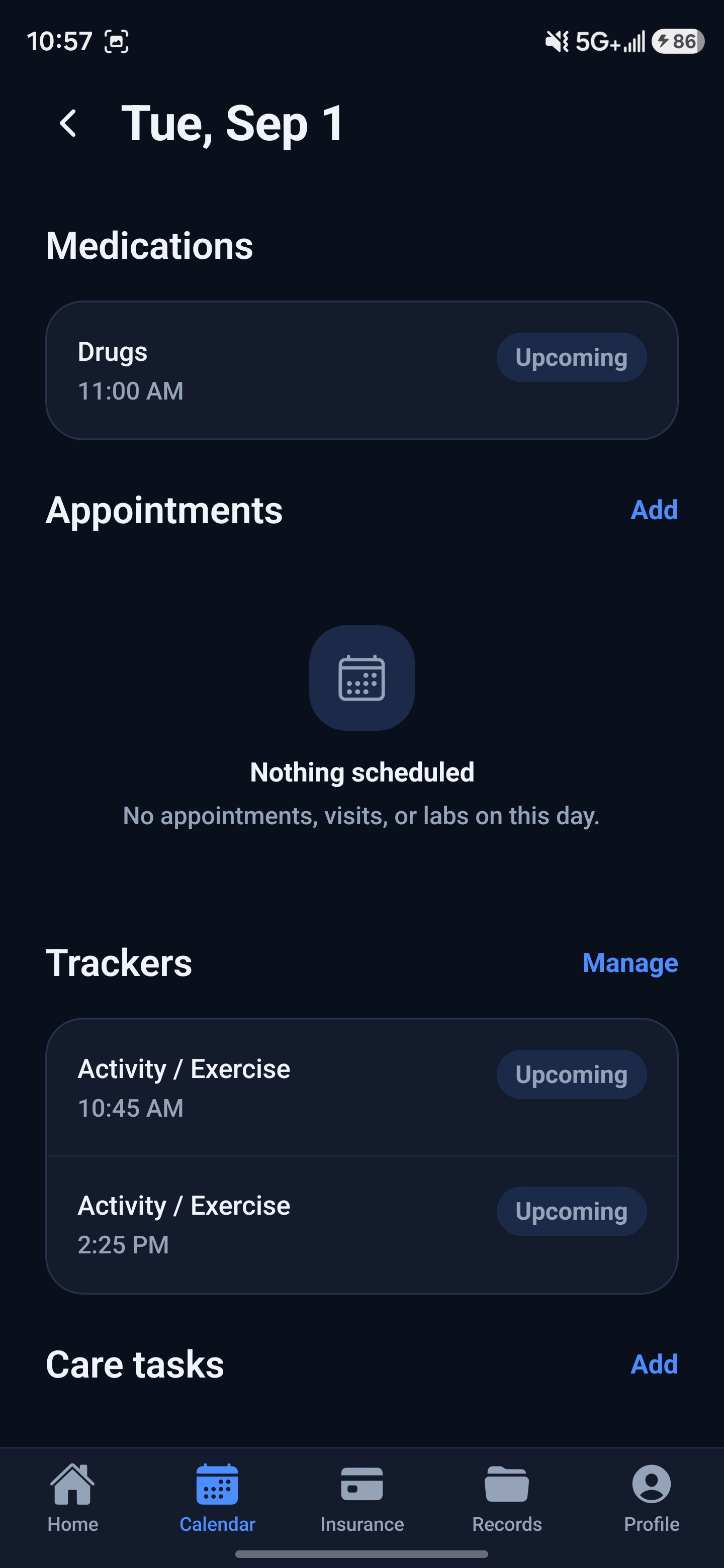
All your records
Medications, visits, lab results, scans, surgeries and shots.
Allergies & emergency contacts
Can show on your lock screen for first responders.
Insurance & documents
Keep photos of cards, reports and PDFs.
Your doctors
Names and phone numbers in one list.
Face ID or fingerprint
Open the app without typing a password.
Easy view
Bigger text, bigger buttons, high contrast and a simple home screen.
Pick your colors
Choose from 5 color themes.
Try the colors:
Step 3 of 5
Plans
Want more? Pick a plan. Try any plan free for 7 days.
Essentials
Good for: Staying on schedule.
$4.99a monthor $49.99 a year
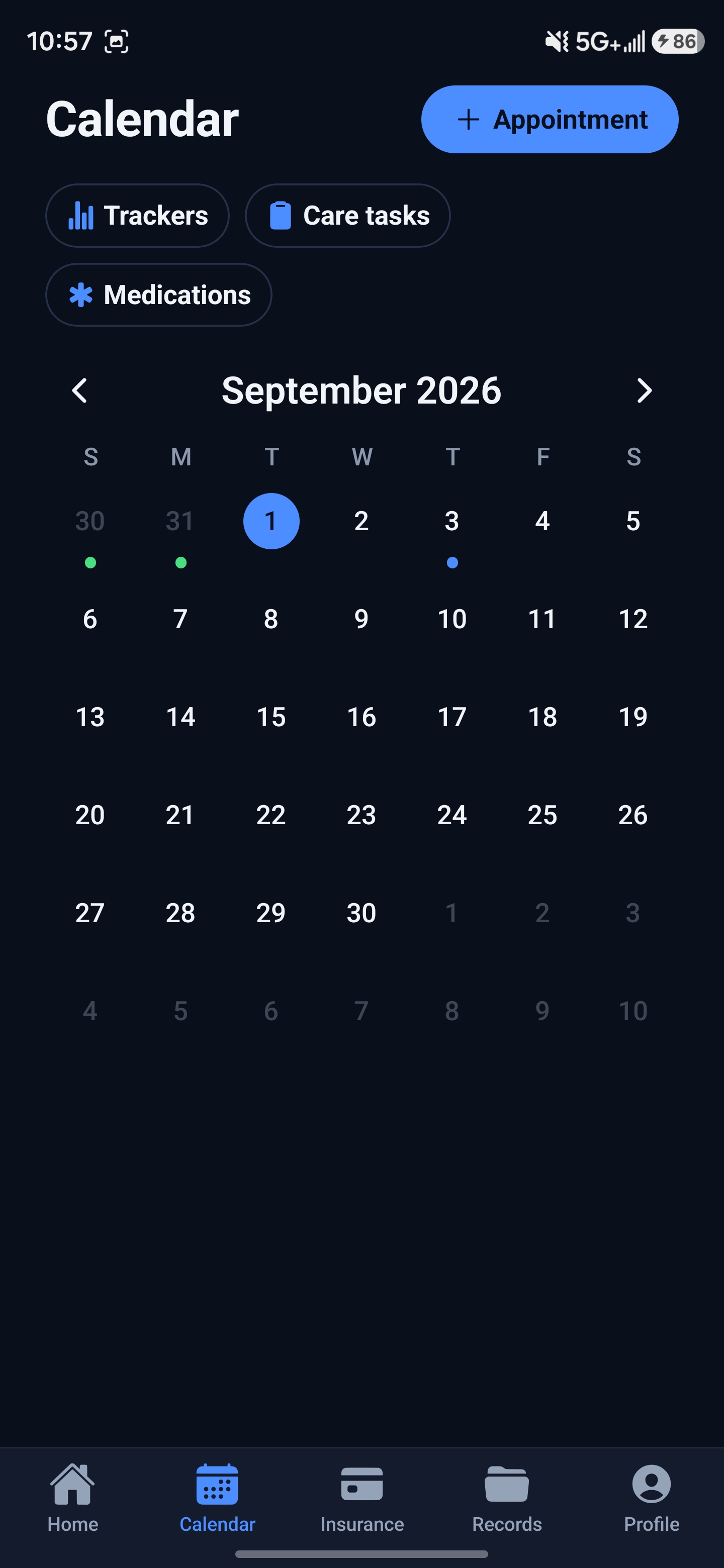
- Health Calendar: check off each dose
- Track blood pressure, blood sugar, weight and 20+ more
- Refill reminders before you run out
- Appointment and task reminders
- Missed check-in emails to you and up to 3 people
Keep the Health Calendar even if you cancel after your first paid month or year.
Plus
Good for: Backups and doctor visits.
$9.99a monthor $99.99 a year
- Everything in Essentials
- Nightly backup, so a new phone gets everything back
- Doctor-visit summary you can print or share
- Family profiles for up to 3 people, you included
Family
Coming soonGood for: Caring for others.
Not available yet.
- Everything in Plus
- Scan a pill bottle or insurance card to add it
- Secure links to share with your doctor
- Text message alerts
You pay through the Apple App Store or Google Play. Plans renew on their own unless you cancel at least 24 hours before the end of the month or year. Cancel anytime in your phone’s settings. See our Terms of Use.
Step 4 of 5
Your privacy
Your records are locked on your phone. Only you have the key.
We can't read your records. No ads, no tracking.
Check-in emails only say something was missed. Never what.
Step 5 of 5
Get started
- 1
Download MedBit from the App Store or Google Play.
- 2
Set it up and write down your recovery phrase. Keep it somewhere safe.
- 3
Add your first medication.
Lost your recovery phrase? We can’t reset it for you, so please keep it safe.
Questions? Send us a message.